
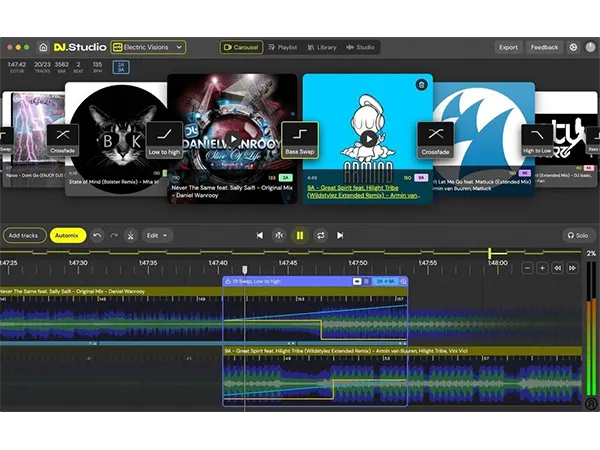
DJ.Studio Studio
DJ.Studio Studio: Prepare DJ sets, create radio shows, and make video mixes with unparalleled speed and accuracy all from your laptop, no hardware required.
Electronic Delivery
PLEASE NOTE: This product is delivered via secure, electronic delivery. You will receive the full product license (with instructions) direct to your email. Enjoy a safe and fast way to get the latest version and full support direct from the manufacturer.
Description
DJ.Studio is a desktop application that lets DJs prepare sets, create radio shows, and make video mixes with speed and precision, without needing hardware. It provides a unique, timeline-based suite of DJ tools for creating seamless transitions. It bridges the gap between traditional DJ mixing and studio software, providing all the tools needed to create professional mixes from start to finish.
Features
The ‘Studio’ edition is the entry-level version, perfect for music lovers and new DJs. It allows users to create seamlessly mixed playlists for parties, workouts, and other events without requiring technical skills.
Create Your Playlist
Users can create playlists by importing music from various sources, including local libraries like iTunes, rekordbox, and Serato, supporting formats like MP3, WAV, and FLAC. It also allows importing from streaming services like Beatport and Beatsource, where tracks can be tested before purchase.
Ai-Powered Automix Assistant
Automix uses millions of calculations to perfectly order tracks by tempo and key, ensuring musically cohesive transitions through Harmonic Mixing. Users can customize the mix by setting the starting and ending tracks, transition length, and other preferences. Automix also automatically beat-syncs tracks with different tempos for a flawless mix.
Refine Your Transitions
The Carousel or Studio timeline editor allows for fine-tuning every transition. Users can select exact mix-in and mix-out points and choose from prepared transition presets with customizable curves and styles for volume, equalizer, and effects.
Manual Automation Editor
The manual automation editor provides control over any parameter using a flexible timeline system. Users can stack effects, EQ, and volume automation simultaneously to create complex mixes and transitions that are difficult to achieve with traditional hardware.
Edit Your Tracks
The software enables users to edit tracks to their liking. Sections can be cut, duplicated, or moved to create a unique and customized mix.
Audio-Reactive Visuals For Video Export
The video engine can transform DJ mixes with audio-reactive visuals. Users can customize mixes with animations, transitions, album art, text, and effects. With 100 reactive animations and over 30,000 3D Shadertoy graphics, it’s easy to create stunning, personalized videos for platforms like YouTube.
Share Your Dj Mixes With The World!
Mixes can be exported as MP3 files or low-quality video files with chapter information for easy YouTube uploads. Playlists can also be exported as M3U files for live performances or as DJ sets with Cue points for rekordbox users.
Studio View
- Change and automate BPM
- Edit your transitions
- Use default transition presets
- Create video visuals
Export
- MP3 files
- Low-quality Video files
- DJ Set (M3U)
- Mixcloud Upload
- Re-pitch audio
Supported Libraries
- Local file downloads
- rekordbox
- Mixed in Key
- Serato
- Engine DJ
- Virtual DJ
- Apple Music
- Traktor Pro
- iTunes
Features
- Supported file types for import WAV/AIFF/AIF/M4A/FLAC
- Work offline
- AI-Automix Assistant
- Intuitive mix editor
- Drag and drop track import and editor
Tech Specs
MAC
OS X or higher
Memory: 8 GB
Disk: 4 GB
CPU: Core processor Intel newer than 2017 or Silicon
WINDOWS
Windows 10 or higher
Memory: 8 GB
Disk: 4 GB
CPU: Core processor Intel or AMD newer than 2017
* Any references to any brands on this site/page including reference to brands and instruments, are provided for description purposes only. For example references to instrument brands are provided to describe the sound of the instrument and/or the instrument used in the sample. Plugin Max do not have (nor do they claim) any association with or endorsement by these brands. Any goodwill attached to those brands rest with the brand owner. Plugin Max or its suppliers do not accept any liability in relation to the content of the product or the accuracy of the description.
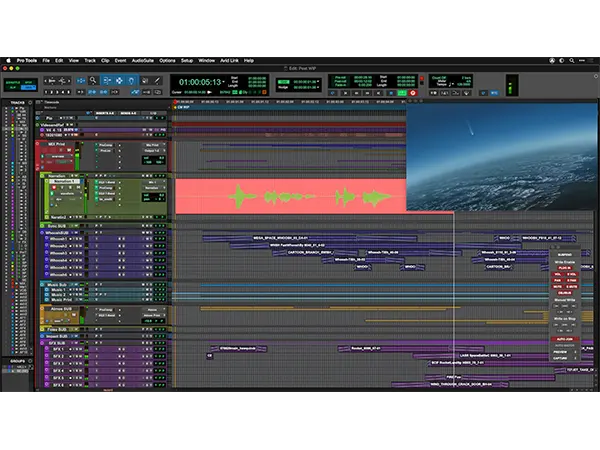
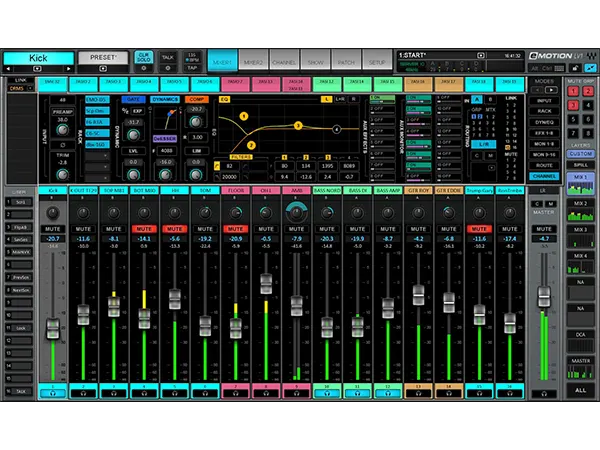
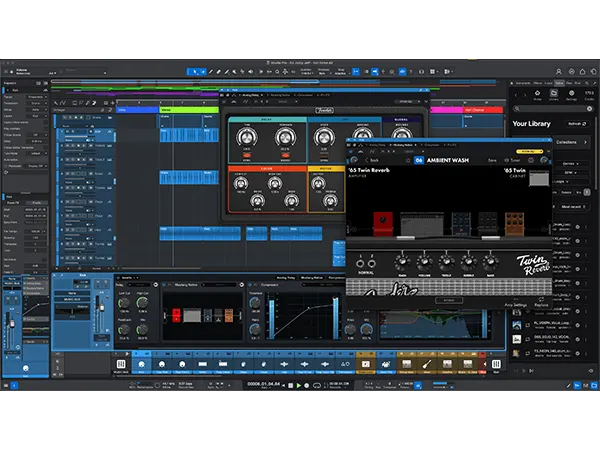

Reviews
There are no reviews yet.